AI Chat
The AI Chat is an optional, powerful way to work with Shortcuts Toolbox. Many everyday tasks — running shortcuts, scheduling, and generating reports — can be done just by asking, in plain English. The app’s core management features work fully on their own; AI simply makes them faster.
Think of the AI as your personal automation assistant. It knows about all your shortcuts, understands scheduling, can generate reports and visualizations, and orchestrates complex multi-step workflows — all through natural conversation. You stay in control of what the AI can access and execute.
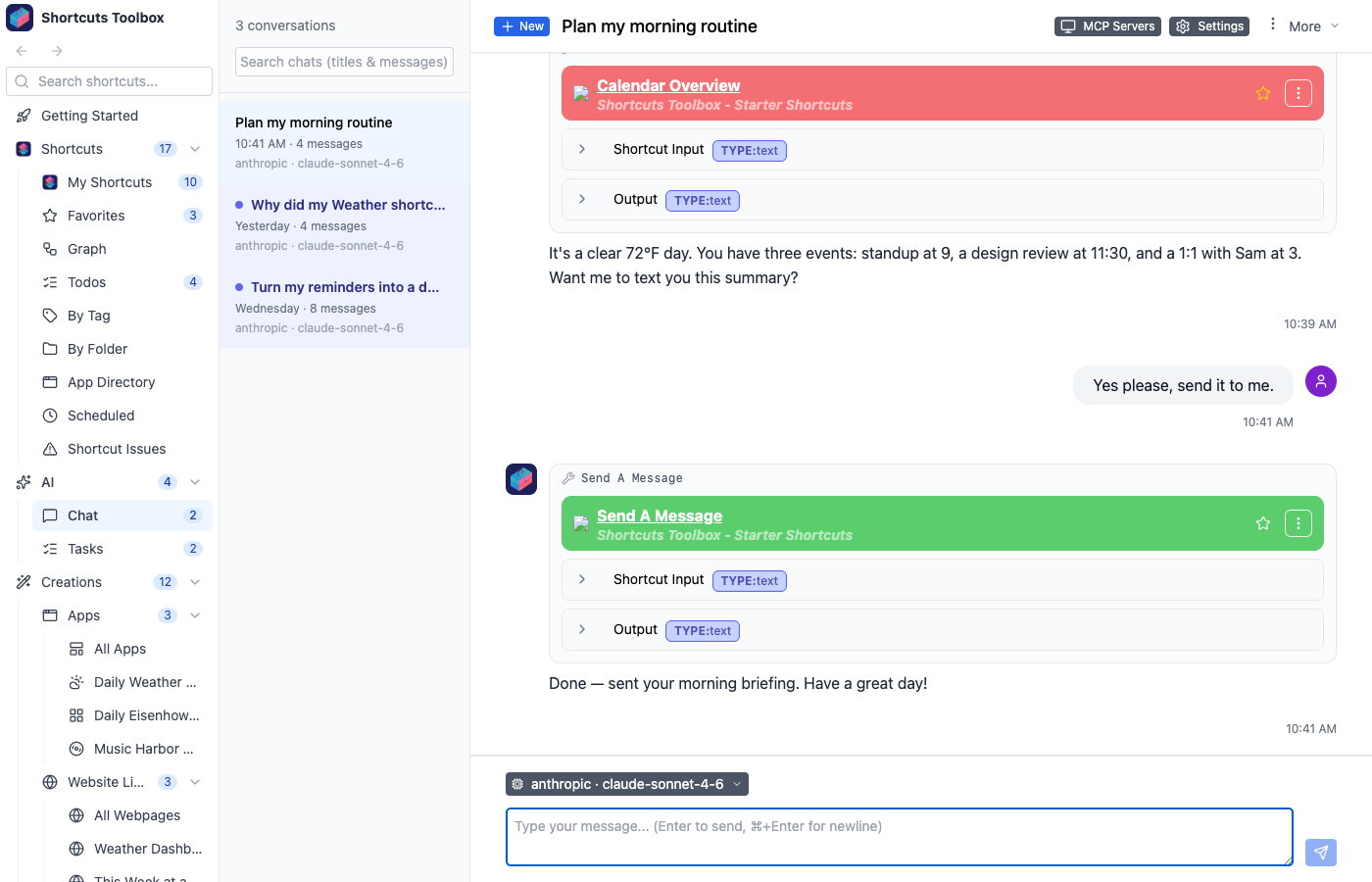
What you can do through chat
Run any shortcut
Just say “Run my Morning Routine shortcut” or “Execute the backup script with input ‘documents’”. The AI handles parameters and shows you the results.
Schedule anything
“Run this every weekday at 9am”, “Remind me to check backups in 2 hours”, or “Schedule a weekly report every Monday”. Natural language scheduling — no cron syntax required.
Find & explore shortcuts
“What shortcuts do I have for photos?”, “Show me all shortcuts in my Work folder”, or “Which shortcuts use the Calendar app?”. The AI helps you discover and understand your library.
Generate reports & dashboards
Ask for summaries or formatted output. “List all my shortcuts organized by folder” or “Create a summary of my scheduled tasks”. The AI can render rich HTML output inline.
Analyze dependencies
“What shortcuts does Morning Routine call?”, “Show me orphaned shortcuts”, or “Which shortcuts would break if I delete this one?”. Understand your shortcut ecosystem with dependency graphs.
Chain multiple actions
“First run the cleanup script, then if it succeeds, run the backup, and finally send me a notification”. The AI orchestrates complex workflows in a single conversation.
Use external MCP tools
If you’ve connected external MCP servers, the AI can use those tools too. “Use the weather service to check tomorrow’s forecast” or combine tools from multiple sources.
Get help & explanations
“Explain what my Backup shortcut does step by step”, “How do I set up scheduling?”, or “What’s the difference between AI Tasks and chat?”. The AI is your built-in documentation.