AI Tasks
AI Tasks are reusable automation templates. Define a prompt, select eligible shortcuts, configure scheduling, and let the AI execute complex multi-step workflows automatically — the scheduled, hands-off counterpart to AI Chat.
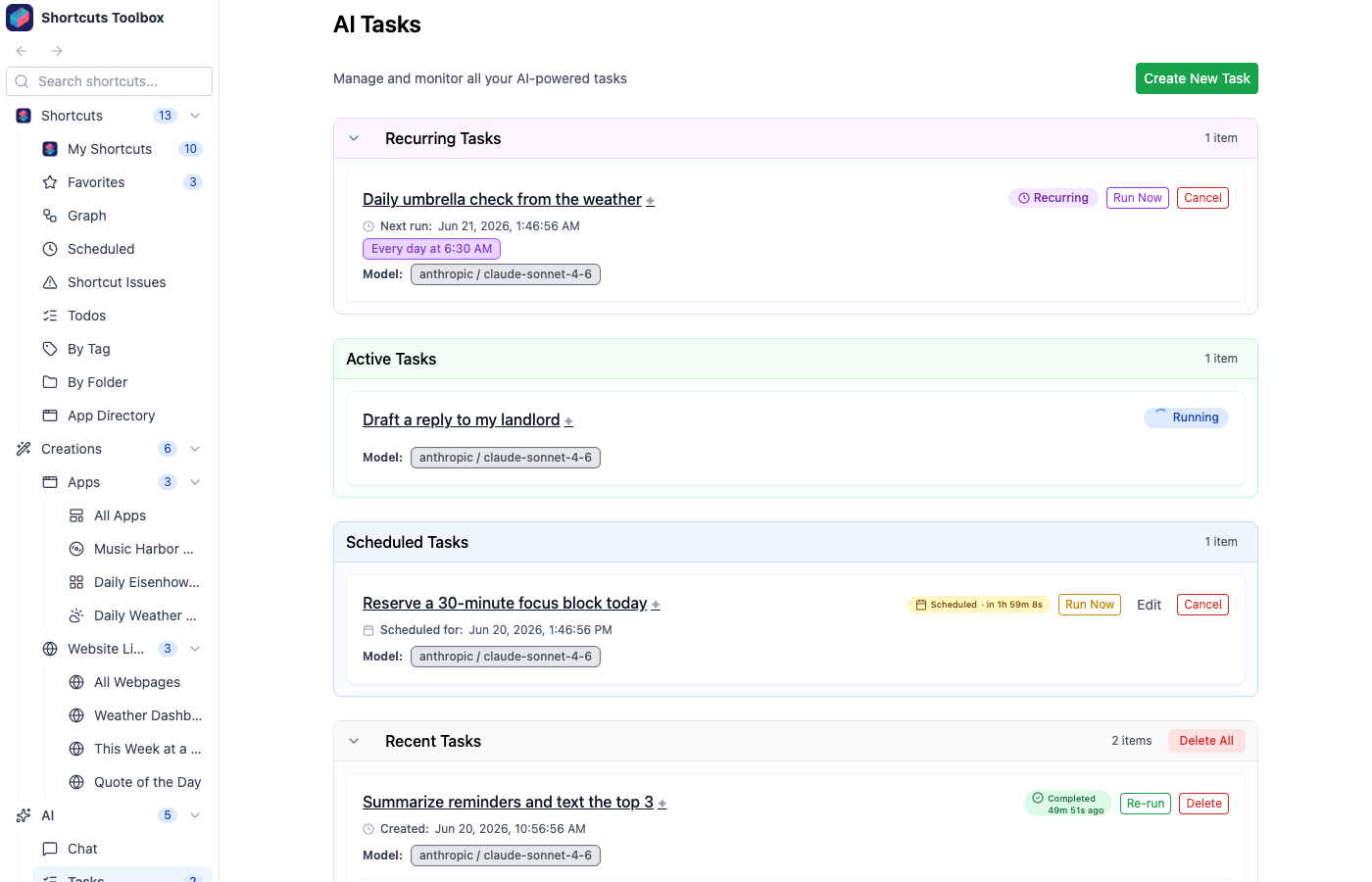
Creating an AI Task
- Navigate to AI → Tasks and click New Task
- Give the task a descriptive name
- Write detailed AI instructions describing what the task should accomplish
- Select which shortcuts the AI is allowed to use for this task
- Configure MCP server/tool integrations if needed
- Set up scheduling (cron expression, interval, or one-time delay)
- Save the task
Task execution
When a task executes, the AI processes the instructions using the configured model, calls any necessary shortcuts or MCP tools, and produces output. The execution history is preserved in the audit log, including all tool calls, outputs, and any errors that occurred.
Need a task that produces a living, refreshing webpage instead of one-off output? Turn it into an app — the AI pairs your data pipeline with a template and renders a page on a schedule, driven by a generation-graph workflow.