App Directory
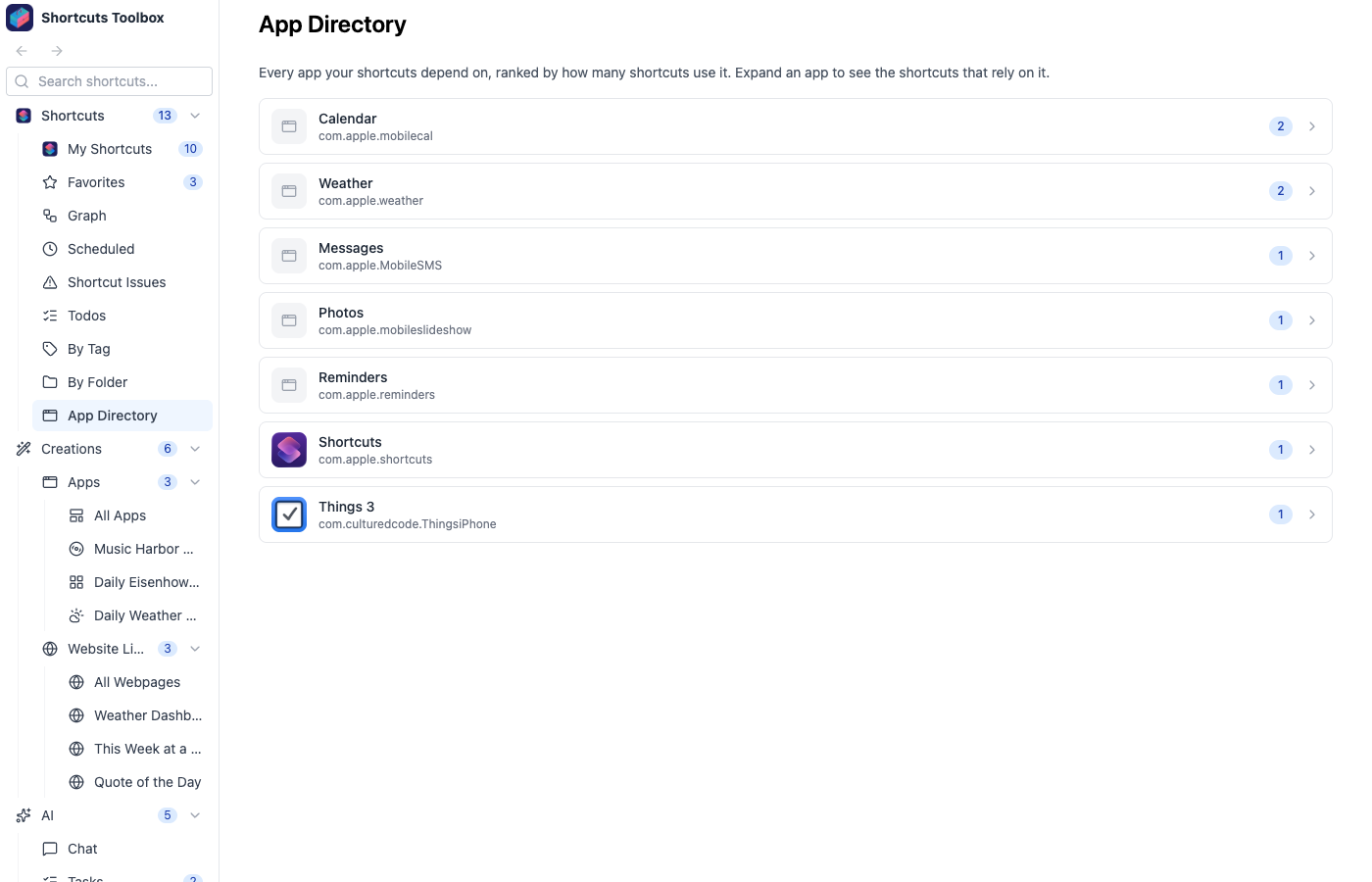
Your library, pivoted by the apps it touches. The App Directory groups every shortcut under the apps and services it depends on — so the question “what do I have that uses Calendar?” takes one click, not a manual hunt through folders.
How it works
Shortcuts Toolbox reads each shortcut’s actions and records which apps it integrates with — Calendar, Reminders, Messages, Weather, Photos, and any third-party app it drives. The App Directory rolls that metadata up into one pivot view, with each app showing the shortcuts that depend on it.
Grouped by integration
Every app your library touches becomes a section listing the shortcuts that use it.
Sort by count or name
Order apps by how many shortcuts depend on them, or alphabetically to find one fast.
Jump straight in
Click any shortcut to open its detail page, dependencies, and run history.
The App Directory is one of several ways to slice your library. Pair it with Tags & Favorites and Dependency Graphs to understand your shortcuts from every angle.