Dependency Graphs
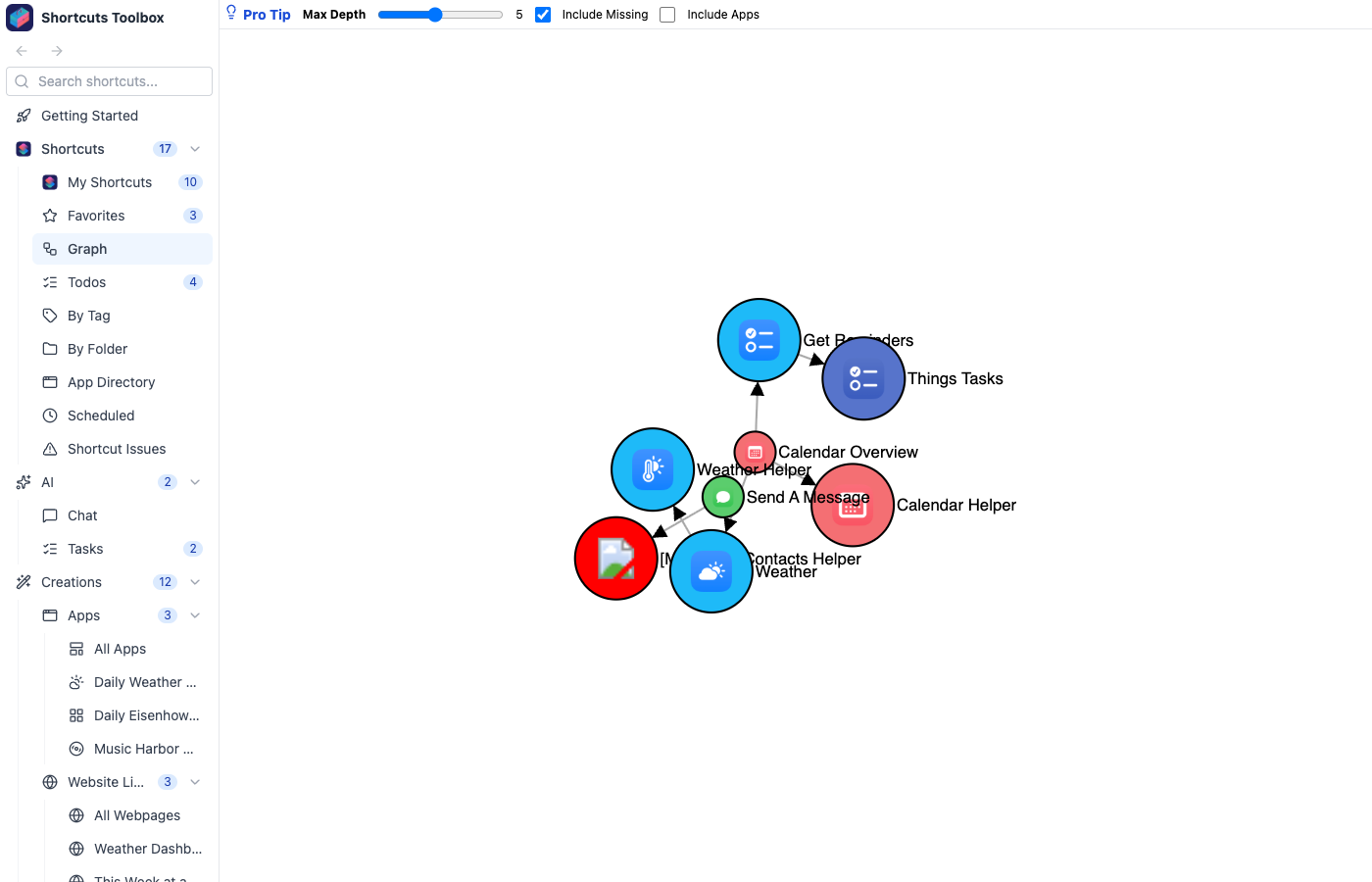
Visualize the relationships between your shortcuts with interactive graphs. Understand which shortcuts call each other, find orphaned shortcuts, and explore your shortcut ecosystem at a glance.
Graph Features
- Interactive visualization — Zoom, pan, and drag nodes to explore the graph
- Color-coded nodes — Different colors for different shortcut types and states
- Adjustable depth — Control how many levels of dependencies to show
- Missing shortcut detection — Optionally show shortcuts that are referenced but don’t exist
- App Store link toggle — Show or hide connections to App Store shortcuts
- Single or multi-shortcut view — Focus on one shortcut’s dependencies or see the full ecosystem
Once you can see the dependency tree, you can package it. Self-Contained Downloads walk the same graph and inline every child shortcut into a single file you can share. To slice your library a different way, try the App Directory (grouped by the apps each shortcut touches) or Tags & Favorites.