Scheduling
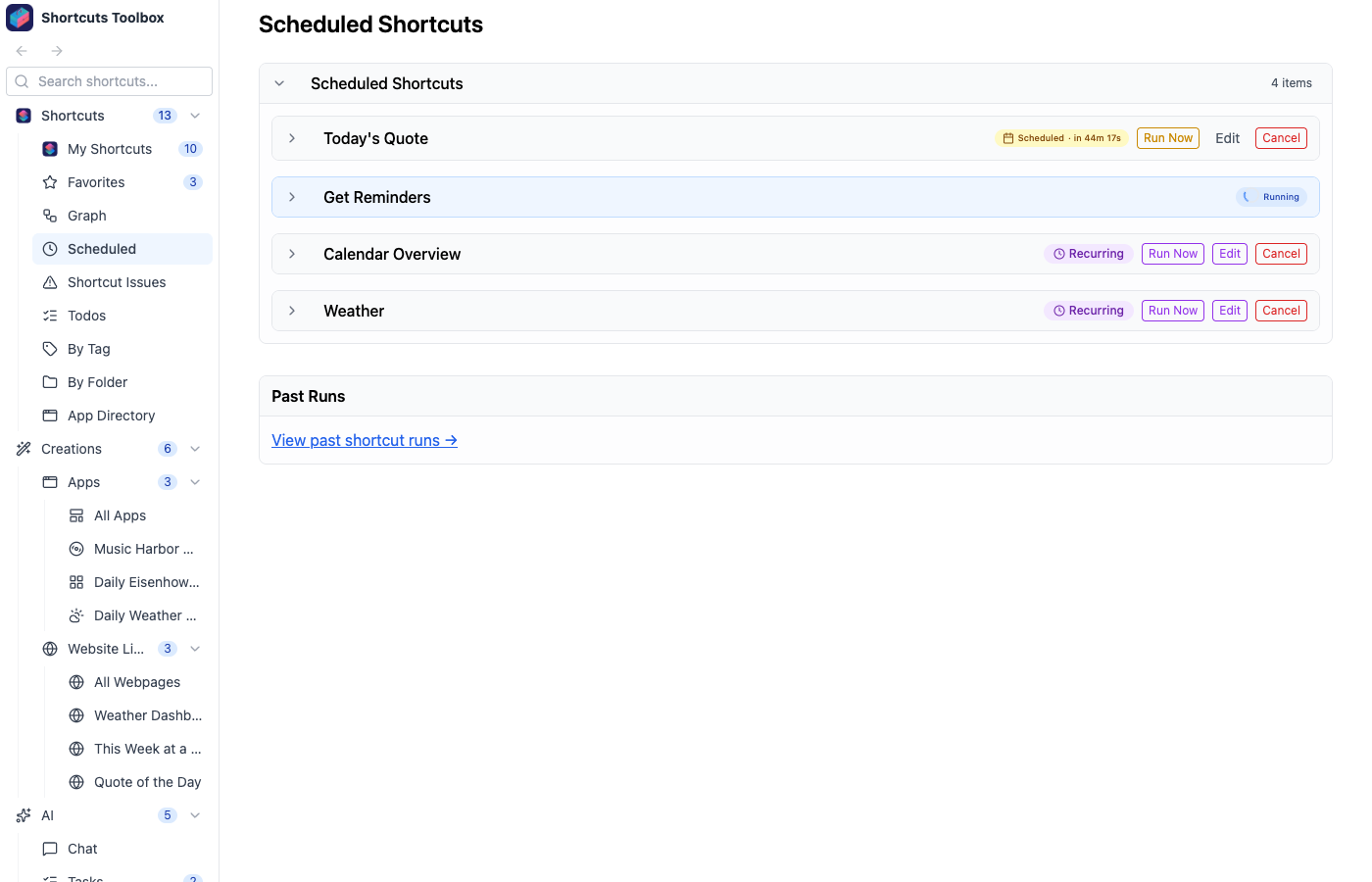
The built-in scheduler lets you automate shortcut runs and AI tasks using flexible timing options. Jobs are managed centrally and their execution history is fully tracked.
Scheduled jobs only run while Shortcuts Toolbox is running. Keep the app open, or turn on Background Mode so your schedules keep firing even when the window is closed and you’ve quit the app.
Schedule Types
Cron Expression
Standard cron syntax for recurring schedules (e.g.,
0 9 * * 1-5 for weekdays at
9am)
Interval
Run every N minutes, hours, or days
Delay
Run once after a specified delay
Specific Time
Run once at a specific date and time