Todos
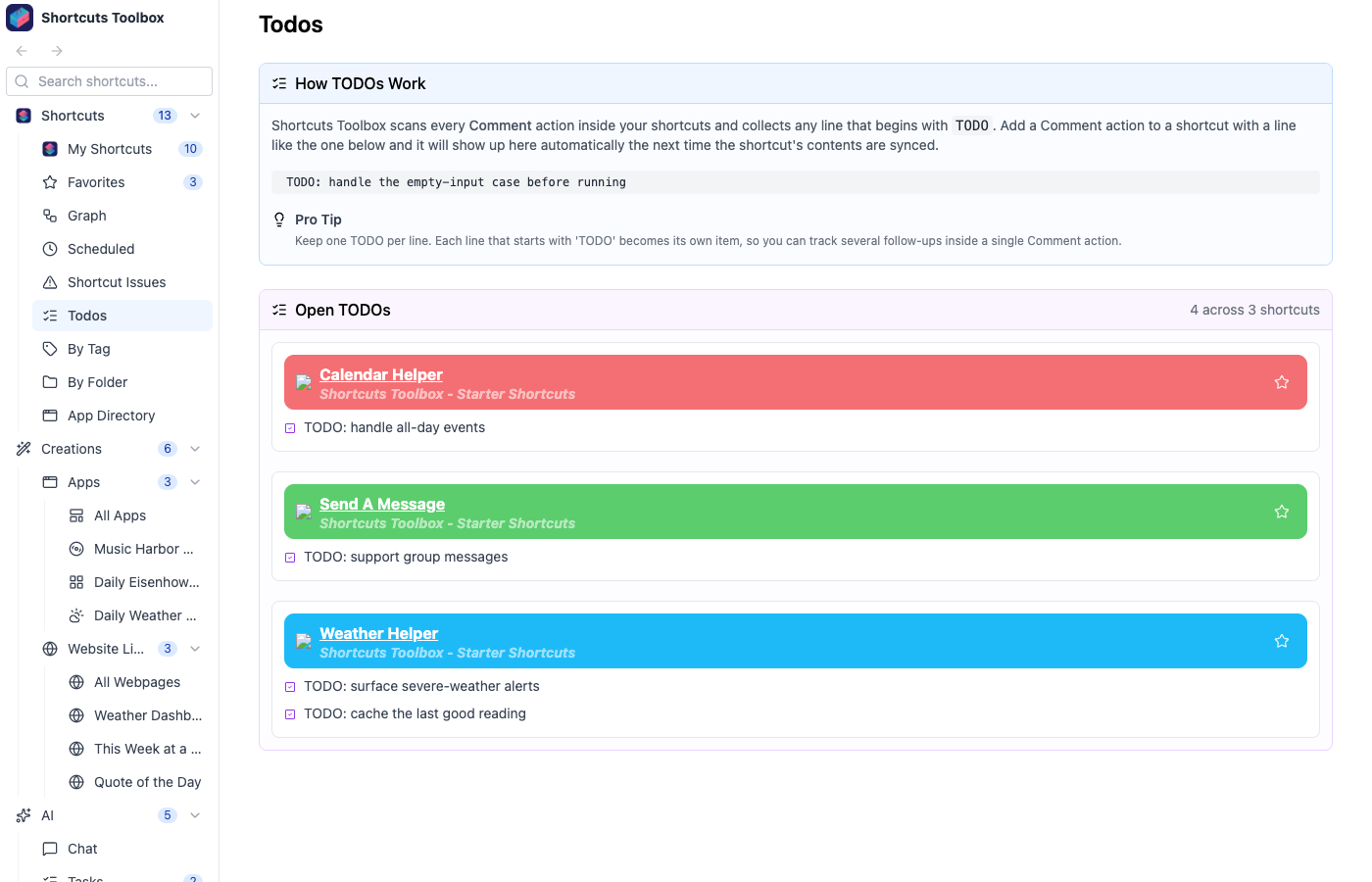
You already leave yourself notes while building shortcuts — a stray “TODO: handle the empty case” in a Comment action. Shortcuts Toolbox gathers all of those into one running list, so the follow-ups you scribble inside your shortcuts actually resurface instead of getting buried.
How it works
Shortcuts Toolbox scans every Comment action inside your shortcuts and collects any line
that begins with TODO. Add a Comment action with a line like
TODO: handle the empty-input case before running and it shows up here automatically the next
time that shortcut’s contents are synced — no separate task list to maintain.
Pulled straight from your shortcuts
The list is derived from your Comment actions, so it’s always in sync with the real thing — nothing to copy or re-enter.
One TODO per line
Each line that starts with TODO becomes its own item, so you can track several follow-ups inside a single Comment action.
Grouped by shortcut
Todos are grouped under the shortcut they came from — click through to open that shortcut and act on the note.
Todos pair naturally with Shortcut Issues — one tracks the follow-ups you meant to do, the other catches the problems you didn’t. Both read straight from your library.